

Procedure
This guide is for Windows Server versions 2016-2022.
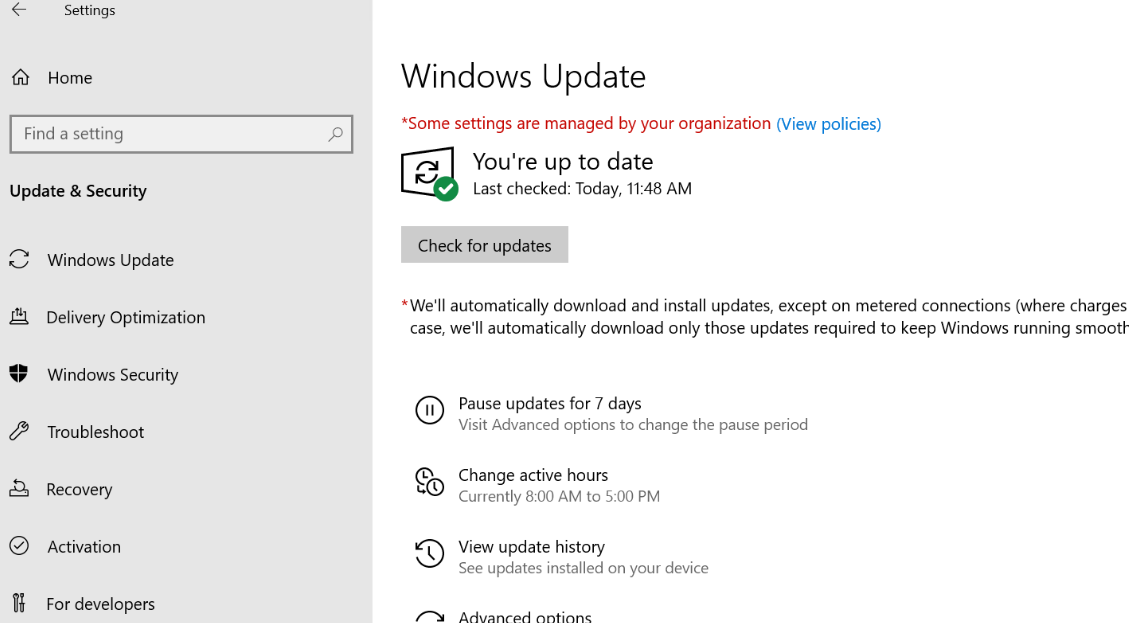
Preliminary Steps: Update all Windows updates (both optional and critical).
And replace with:
From PowerShell in administrator mode
Run
Install-WindowsFeature Net-Framework-Core -Source E:\sources\sxs
(remplacer E:\ par le lecteur où est le DVD d’installation de Windows)
You must obtain:

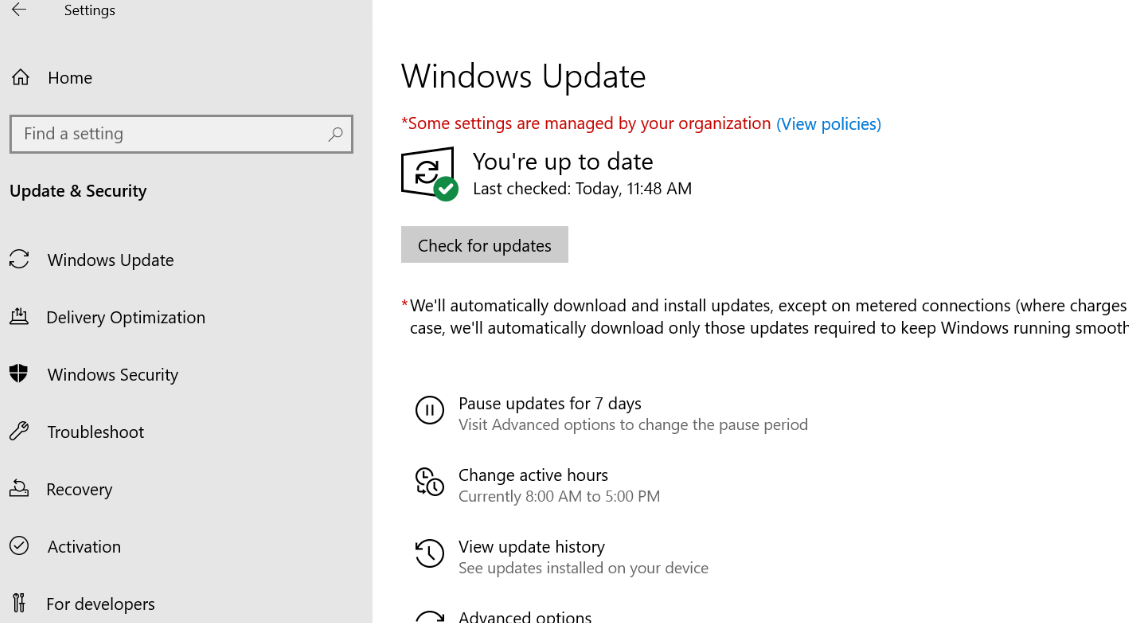
Please redo Windows updates
If the Windows server is in English load
https://download.tecsoft.fr/TVTools-versions/installTVTools/installTVTools_ENU.zip
If Windows is in French
https://download.tecsoft.fr/TVTools-versions/installTVTools/installTVTools.zip
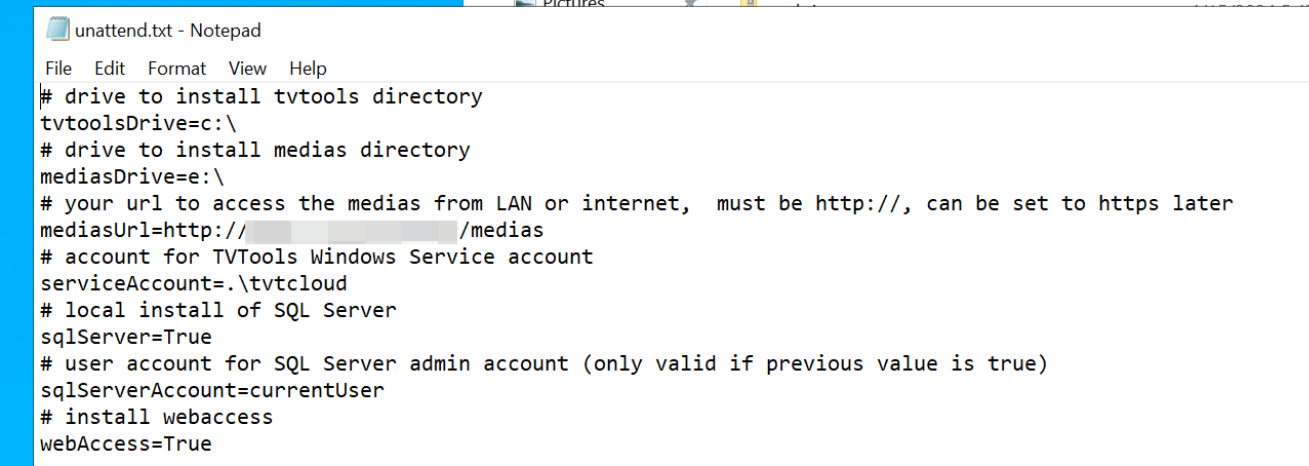
Then unzip the zip file and edit the unattend.txt file
Edit paths
Update the PowerShell if the version is not equal to or greater than 7.4
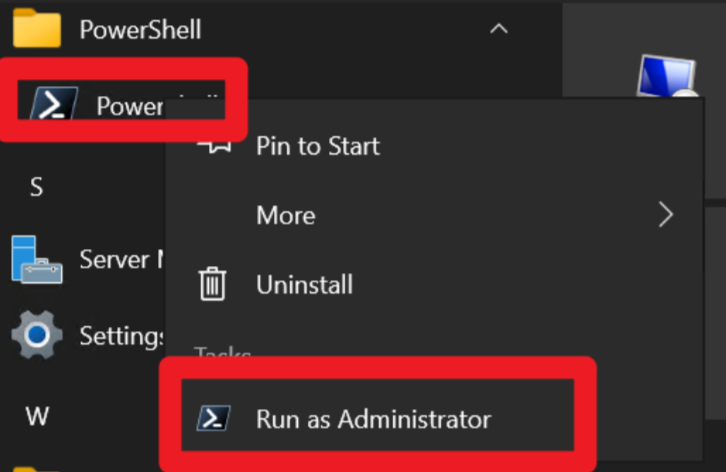
Run the powershell as administrator
If you are using Windows Server 2022–2025:
powershell -ExecutionPolicy Bypass -f .\powerShellInstallCloud2022.ps1
For Windows Server 2016–2019:
powershell -ExecutionPolicy Bypass -f .\powerShellInstallCloud2016_2019.ps1
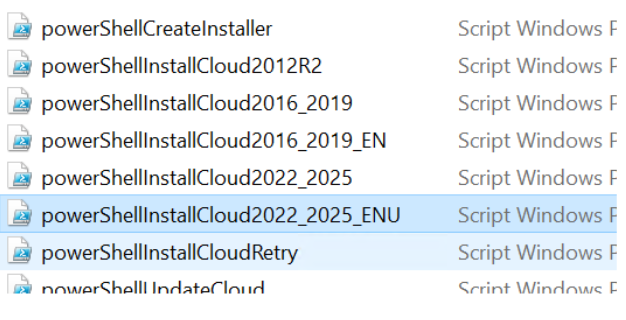
For ENG
powerShellInstallCloud2016_2019_EN.ps1
powerShellInstallCloud2022_2025_ENU.ps1
For FR
powerShellInstallCloud2016_2019.ps1
powerShellInstallCloud2022_2025.ps1
The rest of the procedure is automatic.